Standard WooCommerce reviews are text-only. PVR Media Reviews adds real photo and video reviews to the native WooCommerce review form — no extra page, no clunky third-party form:
The custom form modal keeps the familiar WooCommerce flow and adds: avatar upload with a built-in crop tool, optional phone and city fields, Pros & Cons with their own length limits, and a configurable privacy-policy consent checkbox before submission.
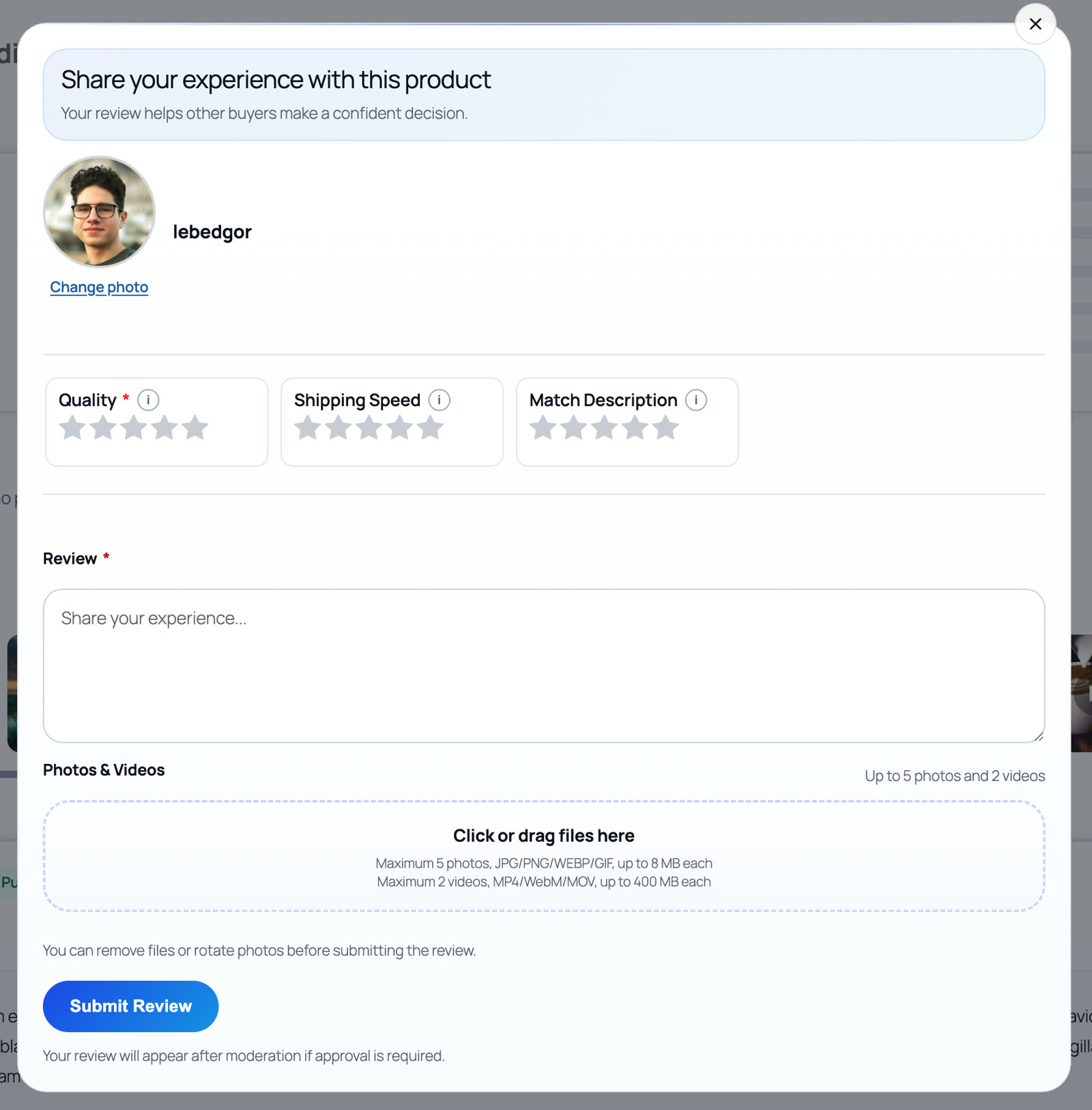
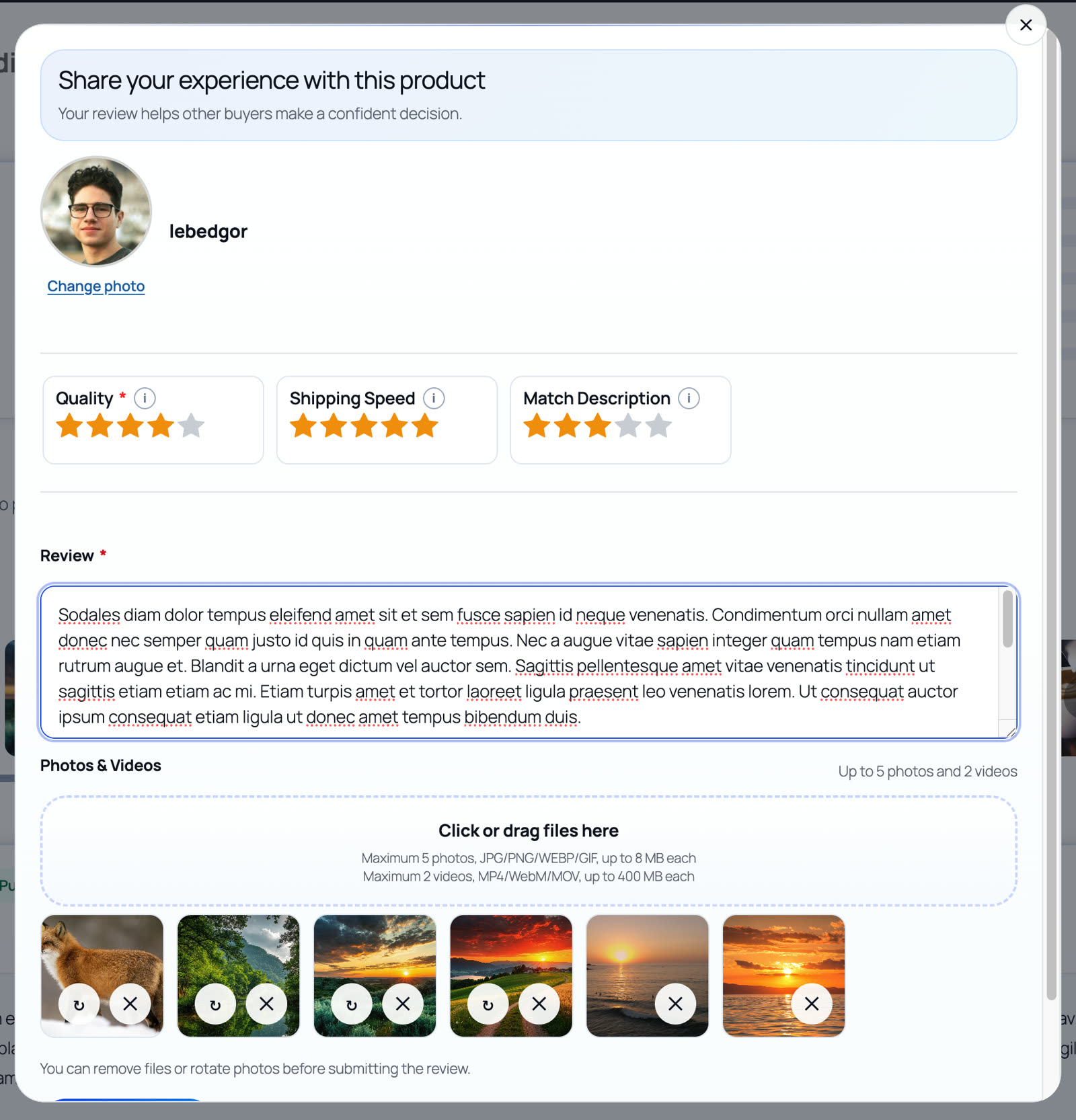
- Photos — JPEG, PNG, WebP, and GIF, resized and compressed client-side on upload; videos — MP4, WebM, and MOV, recorded or uploaded directly in the review form. MIME lists are configurable in the WordPress admin.
- Video settings include: min/max file size, duration limits, allowed formats, quantity limits.
- Video compression targets: bitrate, FPS, resolution — with a configurable "compress only above N MB" threshold.
- Photo watermarks with configurable position and size.
✨ Everything happens right in the browser — zero server load
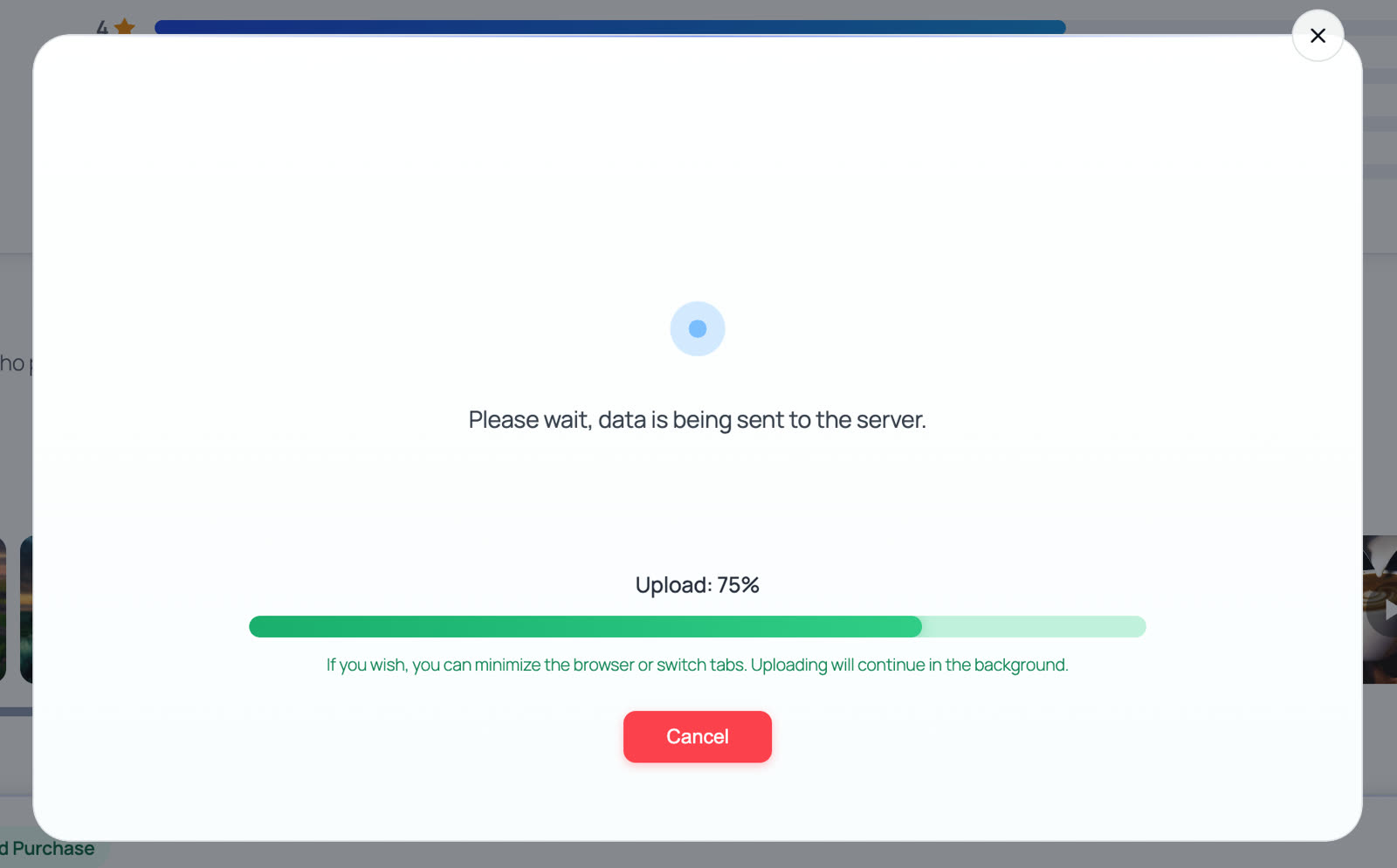
Large videos are compressed and thumbnailed client-side — MediaRecorder API + Canvas, before anything is sent to your WordPress hosting. No FFmpeg on the server, no CPU spikes, no transcoding queue, no external SaaS storage. The compression modal shows a live preview with pause/resume and auto-pauses when the customer switches tabs; if compression is unsupported or pointless, the original file is sent instead. Photos are optimized before upload as well. Media files upload only after the review text is saved as a native WordPress comment, so there are no "orphaned" files from abandoned forms.
Curious how the in-browser video compression works under the hood? Read the dedicated guide: How to Add Video Reviews to WooCommerce Without Crashing Your Server.
🎯 Why real photos sell better than studio shots
Studio photos show the ideal, but customers want the truth:
- How the product looks under normal home lighting.
- Actual size — next to a hand, on a desk, on a person.
- What's included, how it's packaged, the small details invisible in studio shots.
- Whether the product matches expectations.
When a WooCommerce shopper sees an honest photo from another real person, doubts fade and the purchase decision comes faster.
🖥️ Live demo — see it on a real store
Open a real product page with photo & video reviews, criteria ratings, and the full review form: Hoodie with Logo on demo.pv-reviews.site.
Media reviews with in-browser compression, upload progress, and moderation workflow are built into PVR Media Reviews — free on WordPress.org, with more limits and controls in Pro.